Pet camera alerts about barking can often mislead you due to background noises, placement issues, or overly sensitive settings. To interpret notifications accurately, focus on camera position, sensitivity, and alerts you receive, and observe your pet’s behavior directly. Don’t rely solely on alerts—cross-verify with sounds or movement. If you stay attentive to these details, you’ll better understand when your pet genuinely needs you and how to prevent false alarms. Keep exploring for tips to improve your pet monitoring skills.

Get pet supplies delivered free — and shop member deals
- Fast, free delivery on millions of items
- Access to Prime Big Deal Days deals on October 6–7
- Prime Video, Amazon Music and more included
Key Takeaways
- False alerts often stem from environmental noises or camera placement near noisy areas, not actual barking.
- Adjust camera sensitivity and zones to reduce false positives caused by background sounds.
- Regularly review alert logs to identify patterns and refine settings for more accurate notifications.
- Observe your pet’s behavior to differentiate between real needs and false alarms triggered by noise.
- Proper camera positioning at pet eye level and maintaining clean lenses improve detection accuracy.
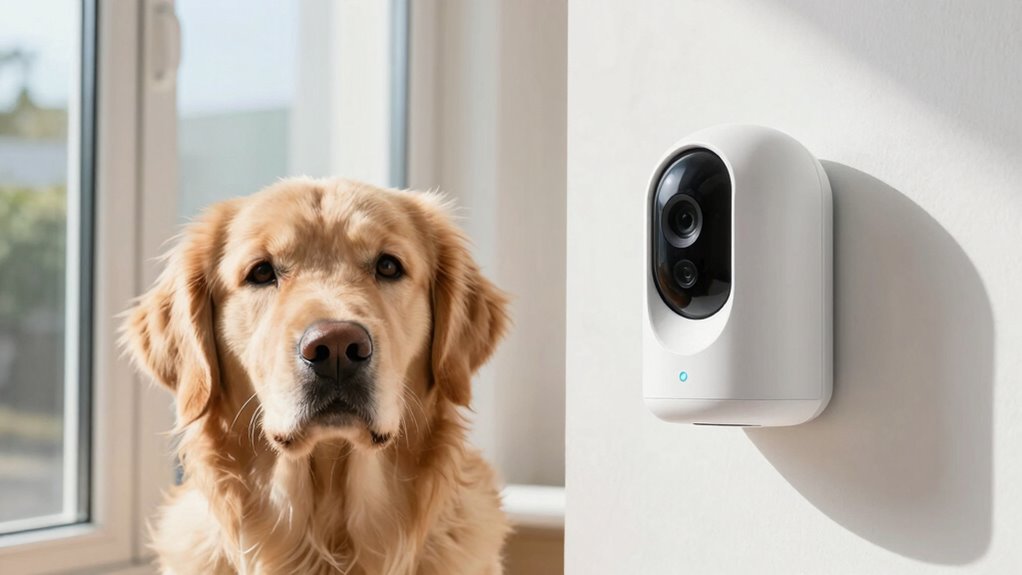
pet camera with adjustable sensitivity
As an affiliate, we earn on qualifying purchases.
As an affiliate, we earn on qualifying purchases.
How Pet Cameras Detect Barking and Why Alerts Can Be Misleading
Pet cameras detect barking by analyzing sound patterns using built-in microphones and sound recognition software. However, these systems face sensory limitations that can impact accuracy. Microphones might pick up ambient noises or other household sounds, making it harder for the software to differentiate actual barks from background noise. Additionally, algorithm inaccuracies can cause false detections, especially if the software misinterprets similar sounds or patterns. These limitations mean that alerts aren’t always reliable indicators of your pet’s behavior. You might receive notifications for sounds that aren’t barking or miss real barks altogether. Understanding these constraints helps you interpret camera alerts more critically, recognizing that technology isn’t foolproof and that some alerts may be false positives. Being aware of sound recognition software limitations allows pet owners to better assess the reliability of notifications. For instance, sensor sensitivity settings can sometimes be adjusted to improve detection accuracy, although they may not eliminate false positives entirely. Moreover, ambient noise filtering technologies are continually evolving to reduce misinterpretations and improve overall detection performance.
Common Causes of False Barking Alerts From Your Camera
False barking alerts often happen because cameras pick up sounds that resemble barking but aren’t actually your pet. One common cause is pet camera placement; if your camera is near busy streets, noisy appliances, or other animals, it can pick up extraneous sounds that trigger false alerts. Barking triggers like loud noises, sudden movements, or high-pitched sounds can also set off notifications even if your pet isn’t barking. Improper placement—such as pointing the camera toward windows or areas with frequent noise—can lead to more false positives. Additionally, if the microphone is overly sensitive, it may interpret background noise as barking. Understanding these common causes can help you identify why false alerts happen and take steps to minimize them. High sensitivity settings on your camera can also contribute to more false notifications, so adjusting these can improve accuracy. Moreover, microphone sensitivity adjustments are crucial for reducing false alarms caused by ambient sounds. Being aware of ambient noise levels in your environment can further help in configuring your camera for more accurate alerts. Recognizing the surrounding environment can help you make better placement choices to avoid unnecessary triggers. For example, avoiding placement near high-traffic areas reduces the likelihood of false alerts caused by background noise.
Adjust Your Camera Settings to Get More Accurate Notifications
To improve the accuracy of your camera notifications, start by adjusting the sensitivity settings on your device. Proper camera calibration guarantees your pet’s movements are accurately detected, reducing false alerts. You can customize notifications to focus on specific activities, like barking or movement, by tweaking settings. Consider these steps:
- Fine-tune sensitivity levels to prevent overreacting to minor noise or movement
- Use notification customization to filter alerts for more relevant updates
- Adjust camera zones to focus on key areas
- Enable or disable sound alerts based on your preferences
- Regularly recalibrate your camera for consistent accuracy
- Understanding sensor calibration can help you optimize your camera’s performance for more reliable alerts. Additionally, reviewing your camera’s detection algorithms can provide insights into how it interprets different stimuli for better customization. Remember that the sensor’s placement also influences detection accuracy and should be positioned thoughtfully to ensure optimal coverage. Being aware of abundance and success insights can also assist in understanding broader success indicators that might impact your device’s operation in certain environments.
How to Interpret Barking Alerts and Know When Your Pet Needs You
Not all barking alerts mean your pet truly needs you, so learn to recognize false alarms and avoid unnecessary worry. Keep in mind that notifications have limitations and might not always capture the full situation. By understanding these signals, you can respond appropriately and make sure your pet gets the help they need. Additionally, using appropriate tracking gear can help you monitor your pet’s location and activity more accurately. Recognizing sound event limitations can help you better interpret alerts and prevent overreacting to false signals. Being aware of audio detection constraints can further improve your ability to distinguish between genuine emergencies and normal pet behavior. Being familiar with vetted devices can ensure you select reliable technology that accurately detects your pet’s needs.
Recognize False Barking Alerts
Recognizing when a barking alert is false is essential to avoid unnecessary worry and guarantee you respond appropriately. False alerts can stem from background noise or misinterpretations of your pet’s behavior. To identify these, pay attention to common signs:
- The sound originates outside the pet’s immediate environment
- Your dog is quietly resting or engaging in normal activities
- The alert occurs during times of known background noise, like traffic
- Your dog shows no signs of distress or unusual behavior
- Recent dog training has helped reduce unnecessary barking
- Being aware of indoor sound sources can help you better interpret alerts and prevent false notifications. Additionally, understanding barking patterns can assist in distinguishing between genuine alerts and false alarms. Recognizing pet communication cues can further improve your ability to interpret their needs accurately. Knowing how heat pump features operate can also help you identify environmental noises that might trigger false alerts. Properly interpreting alerts ensures you respond only when necessary, avoiding overreactions and maintaining a calm environment.
Understand Notification Limitations
Understanding the limitations of your pet’s camera notifications helps you make better decisions about when your pet truly needs attention. Sensor sensitivity plays a key role; if it’s too high, your camera may trigger alerts for minor sounds or movements, leading to frequent, unnecessary notifications. Conversely, low sensitivity might cause you to miss genuine signals. Notification frequency also matters—constant alerts can desensitize you or cause frustration, making it harder to distinguish real needs from false alarms. Recognizing these limitations helps you interpret alerts more accurately. Instead of reacting to every notification, learn to evaluate whether the sensor sensitivity and notification frequency align with your pet’s typical behavior. This understanding requirements traceability allows you to verify whether alerts correspond to actual events, preventing unnecessary responses. Being aware of sensor limitations can help you adjust settings proactively for more reliable alerts. This awareness guarantees you respond appropriately, avoiding overreactions and ensuring your pet gets help when it genuinely needs you. Understanding sensor limitations is essential for managing expectations and maintaining trust in your pet monitoring system. Additionally, being aware of verification techniques can help you distinguish between false alarms and genuine alerts, enhancing your responsiveness. Furthermore, understanding how notification settings impact alert accuracy enables you to fine-tune your system for optimal performance.
Respond Appropriately to Signals
When you receive a barking alert from your pet camera, it’s important to assess the context before reacting. Consider why your dog might be barking—are they anxious, hungry, or seeking attention? Respond appropriately by observing their behavior and environment. You can:
- Check if they’re showing signs of distress or discomfort
- Offer reassurance or a quick petting session
- Make sure their pet nutrition needs are met, like a snack or meal
- Use dog training techniques to address excessive barking
- Determine if a distraction or activity could calm them down
- Remember that understanding your pet’s behavior cues can help you interpret their signals more effectively. Additionally, recognizing that creative storytelling can be a powerful tool for understanding your pet’s needs can improve your response strategies.
Tools and Tricks to Confirm Your Pet’s Needs Beyond Alerts
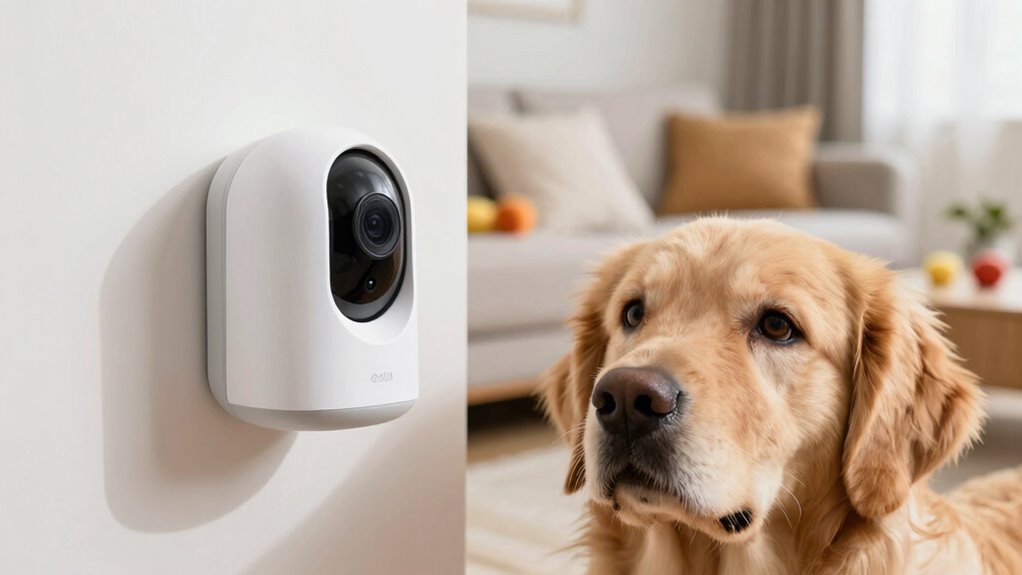
To truly understand what your pet needs, try observing their behavior directly through the camera. Relying on just one notification source can sometimes lead to false alarms, so using multiple alerts helps confirm their actual needs. Combining these tools allows you to respond more accurately and confidently.
Observe Pet Behavior Directly
Have you ever wondered if your pet’s alerts truly reflect their needs? The best way to find out is by observing their behavior directly. With your camera, you can verify what’s happening in real-time. Proper camera placement is key—position it at pet eye level, near their favorite spot, or where they usually play. Watch for signs like:
- Engaged pet play or relaxed lounging
- Signs of boredom or stress
- Interaction with toys or other pets
- Restlessness or pacing
- Vocalizations or body language cues
Seeing your pet’s true activity level helps you interpret alerts more accurately. This direct observation ensures you’re responding to genuine needs rather than false alarms, making your pet’s care more effective and less stressful for everyone.
Use Multiple Notification Sources
Relying solely on your pet camera’s alerts can sometimes lead to false alarms or misinterpretations of your pet’s actual needs. To improve accuracy, use multiple notification sources. For example, combine alerts from audio analysis with motion detection to get a clearer picture. Audio analysis can detect sounds like barking or whining, while motion detection shows activity in specific areas. Cross-referencing these signals helps confirm if your pet needs attention or if it’s just background noise. Consider integrating notifications from other devices, like treat dispensers or smart feeders, to verify your pet’s actions. This layered approach minimizes false alarms and guarantees you respond appropriately, giving you peace of mind and better understanding of your pet’s true needs.
Tips to Reduce Unnecessary Barking and Improve Alert Accuracy
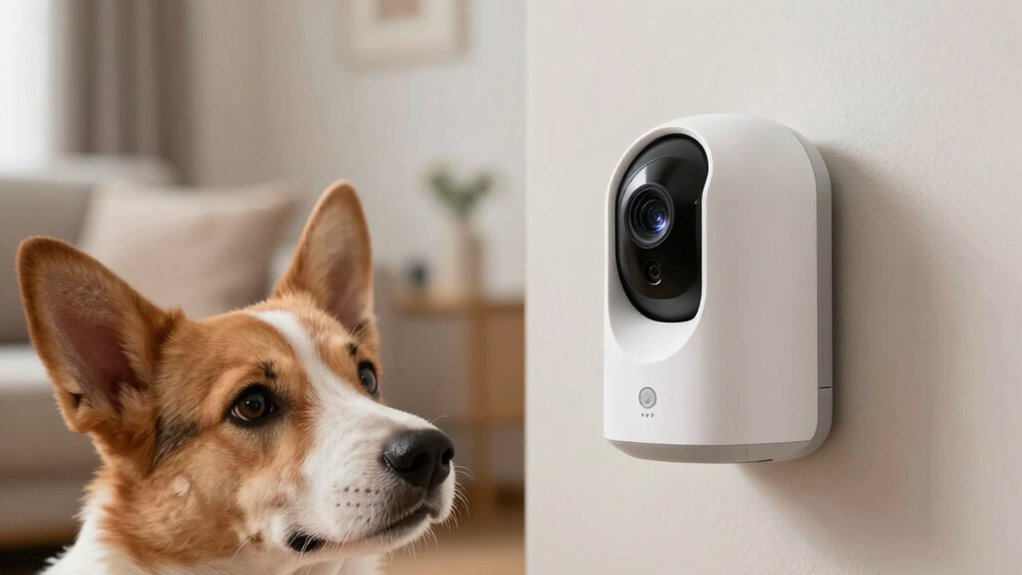
Reducing unnecessary barking and improving alert accuracy starts with understanding what triggers your pet’s noise. By observing pet behavior and recognizing patterns, you can adjust your environment and training. Modern camera technology offers features like adjustable sensitivity and activity zones, helping you filter out irrelevant movements. To minimize false alerts, consider these tips:
- Customize camera sensitivity settings to match your pet’s typical activity levels
- Use activity zones to focus on specific areas where barking is more likely
- Train your pet to stay calm around the camera, reducing excessive noise
- Keep the camera lens clean for clearer detection and fewer false positives
- Regularly review alert logs to identify and address recurring triggers
Implementing these strategies will help you better interpret alerts and create a calmer environment for your pet.
Choosing a Pet Camera That Provides Reliable, Clear Alerts

Choosing a pet camera that delivers reliable, clear alerts starts with understanding the importance of high-quality video and accurate notification systems. Proper camera placement is essential; position it where your pet’s activity is most frequent, avoiding blind spots and areas prone to false alarms. This ensures you capture relevant movements and reduce unnecessary alerts. Additionally, look for cameras with alert customization features—these let you set specific zones or activity levels, minimizing false notifications from harmless movements. Clear alerts depend on both the camera’s sensitivity settings and how well you tailor them to your pet’s behavior. By combining strategic camera placement with personalized alert options, you’ll receive accurate, easy-to-understand notifications that keep you informed without overwhelming you.
Frequently Asked Questions
Can I Customize Alert Sensitivity Based on My Pet’s Behavior?
Yes, you can customize alert sensitivity based on your pet’s behavior by adjusting your camera’s settings. Use pet training techniques to recognize your pet’s typical actions and calibrate the camera accordingly. Many pet cameras offer sensitivity controls, allowing you to fine-tune alerts to reduce false notifications. Regular camera calibration guarantees accurate alerts, helping you stay informed without unnecessary interruptions. This way, you can better monitor your pet’s behavior and respond promptly.
Are There Specific Breeds More Prone to False Barking Alerts?
Some breeds, like terriers and hounds, are more prone to false barking alerts because of their breed tendencies for high alertness and noise sensitivity. Don’t worry—adjusting your camera’s alert sensitivity can improve alert accuracy. You might find that customizing settings helps reduce false notifications, especially for breeds that tend to bark more often. Remember, understanding your pet’s breed tendencies helps you interpret alerts more effectively and avoid unnecessary concerns.
How Do Environmental Factors Affect the Accuracy of Pet Camera Notifications?
Environmental factors like weather interference and background noise can markedly affect your pet camera’s notification accuracy. When it’s stormy or windy, your camera might pick up false alerts caused by weather sounds or movement. Similarly, loud background noise from TVs, traffic, or other pets can trigger unnecessary alerts. To improve accuracy, position your camera away from noisy areas and consider weatherproof models that better handle environmental interference.
What Are the Best Practices for Training My Pet to Minimize False Alerts?
You can train your pet effectively by using positive reinforcement and maintaining consistent routines—these are your secret weapons against false alerts! When your pet behaves well, reward them immediately to reinforce good habits. Keep routines predictable, so your pet knows what to expect. Avoid punishment for false alerts; instead, redirect their attention. With patience and consistency, you’ll minimize false alerts and create a calmer, more responsive furry friend.
Do Different Camera Brands Have Varying Detection Algorithms for Barking?
Yes, different camera brands often have varying detection algorithms for barking. To improve accuracy, you should regularly calibrate sensors and keep firmware updated. Proper sensor calibration guarantees the camera correctly distinguishes between barking and other noises. Firmware updates often include algorithm improvements that enhance detection accuracy. By maintaining these, you reduce false alerts, ensuring your pet camera’s notifications are reliable and tailored to your pet’s behavior.
Conclusion
So, next time your pet camera screams “bark alert,” remember it might just be crying wolf. Instead of rushing to the rescue, take a moment to interpret those notifications carefully. After all, those alerts are just digital gossip — often misleading or overzealous. By understanding your camera’s quirks, you’ll avoid unnecessary panic and actually connect with your pet’s real needs. Ironically, the best way to keep your pet calm might just be ignoring the barking ‘truth’ it’s trying to tell you.
Fall Picks
fall essentials
As an affiliate, we earn on qualifying purchases.